
September 27, 2026
Reporting Absences on the HPS Mobile App
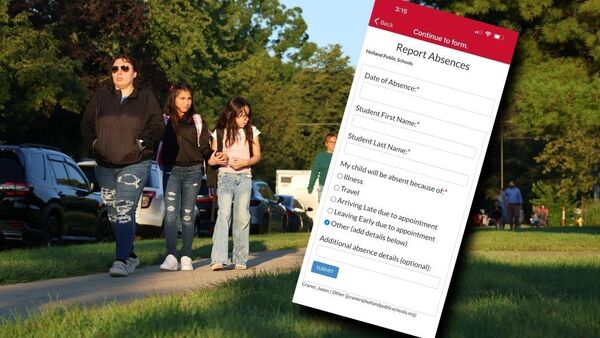
If a student is absent, arrives late, or needs to leave early, you can let your school's office know through the HPS Mobile App.
- We hope this is a convenient way to report absences and will save you (and our secretaries) a significant amount of time.
Once you are signed in to the mobile app:
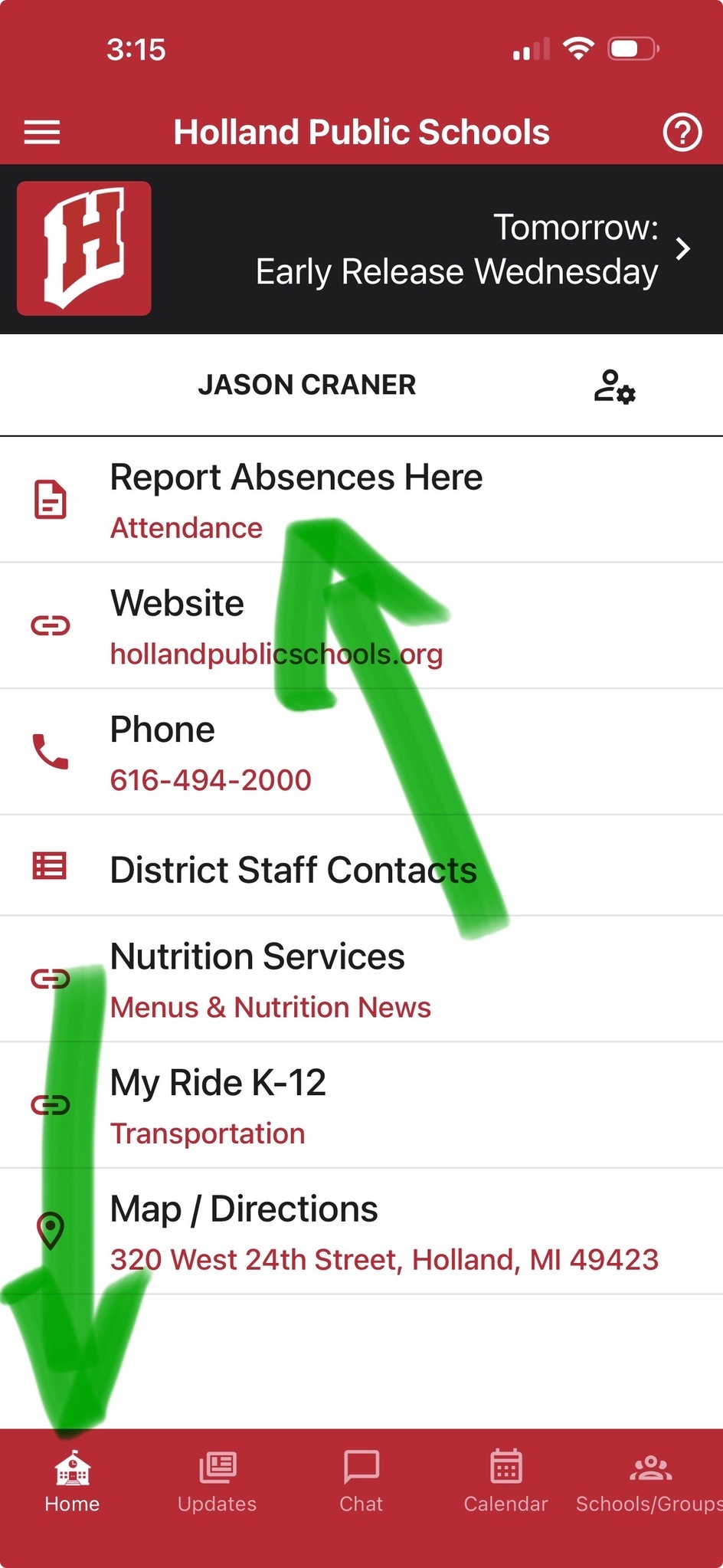
- Click HOME in the bottom left-hand corner.
- Select Report Absences Here
- Select your student's school
- Complete the form and push SUBMIT
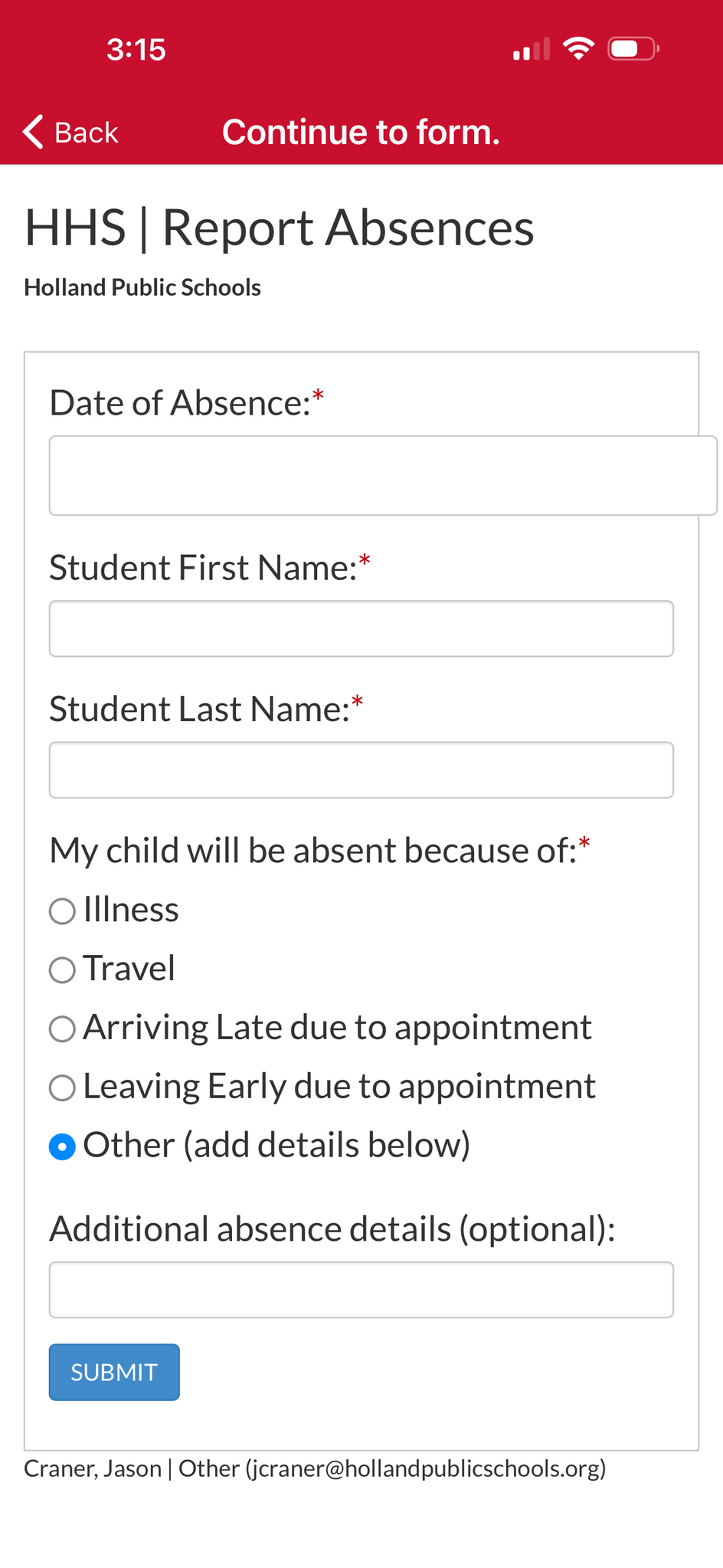
The office will immediately get an email notification that includes your name, role (parent), and the account that was used to report the absence.
- Please be sure to report each student's absence separately in a new form.
- Please be sure to report your student's absence at your student's school. (Example: If you report an absence at Holland High School and an absence at an Elementary school, be sure you are selecting the correct form for the correct school.)
Calling the school office is still an acceptable way to report an absence.
If you haven't downloaded the app, you can report absences here: